 647-348-4995


- June 12, 2026
-
 Talon Uddin
I'll start with a number that still surprises my clients: out of the last 30 or so Google Ads accounts I've audited for Canadian businesses, I can count on one hand the ones that didn't have at least 15–20% of their budget going somewhere it shouldn't.
Not because the owners were careless. Because Google Ads is built with defaults that favour Google, and unless someone deliberately checks them, they stay on — quietly billing you month after month.
I spent years inside Google before moving to the agency side here in Toronto, so I've seen this from both ends: how the platform is designed, and what it does to a small business account that's left on autopilot. In this guide, I'll walk you through the exact audit process I use with clients — in the order I actually do it, with the spots where Canadian accounts specifically tend to bleed money.
Grab a coffee, open your account in another tab, and follow along. This takes an afternoon and routinely pays for itself many times over.
What Is a Google Ads Audit (and Why Bother)?
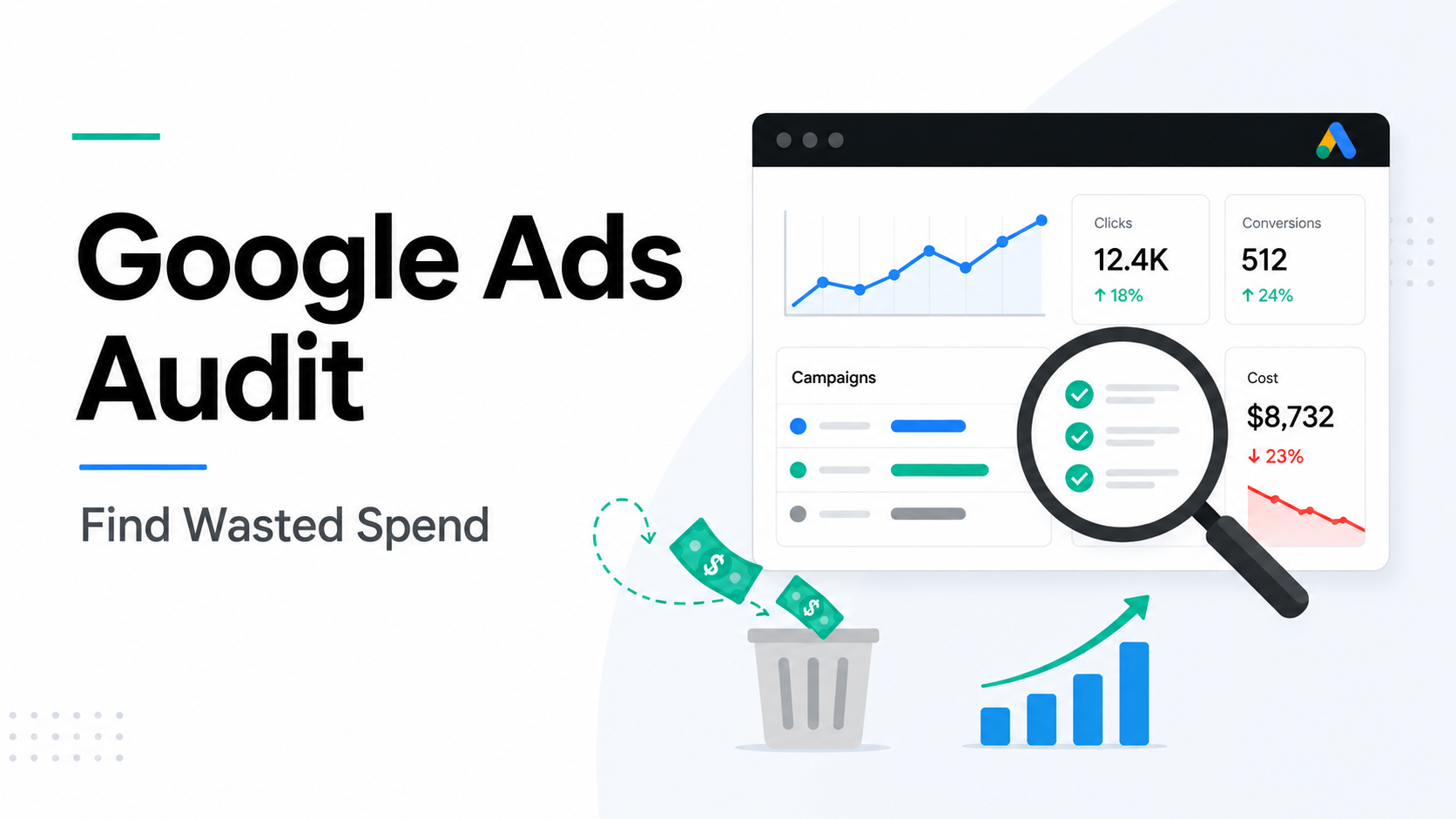
A Google Ads audit is a structured, top-to-bottom review of your account — tracking, settings, keywords, ads, bidding, and budget — to find out where money is being wasted and where opportunities are being missed.
It's different from day-to-day tweaking. An audit steps back and asks two bigger questions:
- Can I trust my data? If conversion tracking is off, every decision built on it is off too.
- Is the account set up to win, or just set up? Plenty of accounts "run fine" while quietly underperforming what the same budget could do.
If you've ever looked at your invoice and thought "what am I actually getting for this?" — that's your sign it's audit time. (And if the invoice itself confuses you, I broke down how billing really works in my guide to Google Ads pricing and costs.)
Want a second set of eyes on your account?
I audit Google Ads accounts for Canadian businesses every week. I'll tell you exactly where the waste is — no fluff, no obligation.
My 10-Step Google Ads Audit Process
One thing before we start: the order matters. Most checklists online treat every item as equal. They're not. If your conversion tracking is broken, your "best campaign" might actually be your worst — so we verify the data first, then chase the money.
Here's the full process at a glance:
| Step | What You're Checking | Time |
|---|---|---|
| 1 | Conversion tracking | 45–60 min |
| 2 | Location & network settings | 30 min |
| 3 | Search terms report | 45 min |
| 4 | Negative keywords | 20 min |
| 5 | Account structure | 30 min |
| 6 | Keywords & match types | 30 min |
| 7 | Bidding & budgets | 30 min |
| 8 | Ads & assets | 30 min |
| 9 | Landing pages | 30 min |
| 10 | Device, geo & time segments | 30 min |
Set your date range to the last 90 days, open a blank doc for notes, and resist the urge to fix things as you go. Notes first, fixes after — otherwise you're changing the data mid-audit.
Step 1: Verify Your Conversion Tracking
This is the foundation, and it's where I find the ugliest problems.
A Toronto law firm came to me convinced their campaigns were crushing it — 80+ conversions a month. When I opened Goals → Conversions, their "conversions" were clicks on the phone number button. Not calls. Not consultations. Button clicks. Their real lead count was about a quarter of that, and Google's Smart Bidding had been happily optimizing for button-tappers the whole time.
Here's what to check:
- Which conversion actions are marked primary? Only actions with real business value (purchases, qualified leads, booked calls) should drive bidding.
- Any double counting? A Google Ads tag and an imported GA4 event tracking the same form will inflate your numbers.
- Do the numbers roughly match your CRM or inbox? If Google says 50 leads and you got 20 emails, something's broken.
- Are form leads even real? Spam bots love Canadian lead forms. We got hit so hard we published our own blocklist of 51,000+ spam email providers — worth checking if your "leads" never answer the phone.
Google's own conversion tracking documentation is genuinely useful here if you need to rebuild anything.
Step 2: Check Location & Network Settings
This is the most Canadian problem on the list.
Google's default location setting is "Presence or interest" — meaning your ads can show to people merely interested in your area, not physically in it. I audited an HVAC company in Mississauga whose ads had quietly spent thousands showing to users in the US and overseas who'd searched something Ontario-related once. They serve Peel Region. That's it.
Check these:
- Location options: switch to "Presence" only, unless you genuinely serve people outside your area. Google explains the difference in its location targeting help docs.
- Geo report: look at where clicks actually came from. Targeting "Canada" broadly? See how spend splits across Ontario, BC, Alberta, and Quebec — and whether conversions follow. Toronto, Vancouver, Montreal, and Calgary clicks can cost wildly different amounts, and lumping them into one campaign hides that.
- Quebec check: if you're showing English-only ads to Montreal and Quebec City, your numbers there will lag. Either build French campaigns or exclude the province deliberately — don't just let it underperform.
- Display Network checkbox: Search campaigns are opted into Display by default. In lead-gen accounts, that traffic is almost always junk. Turn it off.
- Auto-applied recommendations: check whether Google is allowed to change your account automatically. I've written before about whether you should trust or ignore Google's recommendations — short version: never on autopilot.
Step 3: Mine the Search Terms Report
This is where you'll find your audit's headline number — the dollar figure of obvious waste.
Go to Insights and reports → Search terms, sort by cost, and read down the list. You're flagging anything irrelevant: job seekers, DIY searchers, "free" anything, wrong cities, wrong services. Add up the spend on flagged terms. That's money you can stop wasting this week.
Flip it around too: high-converting search terms that aren't keywords yet deserve to be added — they're proven winners hiding in your data.
Step 4: Review Negative Keywords
- Does the account have negative keyword lists at all? (You'd be amazed.)
- Are they shared lists applied across campaigns, or random scraps at the ad group level?
- Any conflicts — a negative blocking a keyword you're actively paying for elsewhere?
- If you run Performance Max next to Search: are brand exclusions set so PMax isn't gobbling up your cheap brand clicks and taking credit for them?
Step 5: Evaluate Account Structure
Sort campaigns by cost and ask the simplest question in PPC: is the money going where the results come from?
- Ad groups should be tightly themed — one intent per group, so one ad can genuinely match all its keywords. Thirty unrelated keywords in one ad group is structural rot.
- Look for overlap: multiple campaigns bidding on the same queries and competing against you, with you.
- Note the zombies — paused experiments and $2/day campaigns nobody remembers creating.
Step 6: Keywords & Match Types
- Match type mix: broad match plus Smart Bidding can work with lots of conversion data. On a small Canadian account doing 10–15 conversions a month? It's usually a money pit. Phrase and exact give you control.
- Quality Score: filter for scores under 5 on keywords with real spend, then check which component is dragging — expected CTR, ad relevance, or landing page experience. Each points to a different fix, and all three feed into your Ad Rank, which decides what you pay per click.
- Duplicates: the same keyword in multiple campaigns means you're bidding against yourself.
Step 7: Bidding & Budgets
- Strategy vs. goal: Maximize Clicks on a lead-gen account with working tracking is leaving money on the table. Target CPA with five conversions a month doesn't have enough data to learn anything.
- Realistic targets: a Target CPA set far below anything the account has ever achieved doesn't create miracles — it just throttles your impressions.
- "Limited by budget" flags: if your best campaign is capped while a mediocre one spends freely, that's free growth sitting right there. If you're not sure what the right number even is, I wrote a full breakdown on how much to spend on Google Ads.
- Change history churn: constant big changes keep Smart Bidding stuck in learning mode. And whatever you find — please don't panic-pause everything. I've seen what happens; here's why pausing a well-performing campaign can set you back months.
Step 8: Ads & Assets
- Every active ad group needs at least one responsive search ad with genuinely different headlines — not ten rewordings of the same sentence.
- Do headlines actually reflect each ad group's keywords, or is one generic ad copy-pasted everywhere?
- Sitelinks, callouts, calls, images — missing assets mean a smaller ad and a lower CTR for free.
- Check for disapproved ads and stale promos. An ad still pushing your "2024 Spring Special" tells customers nobody's home.
Step 9: Landing Pages
Click your top 10 spending ads like a customer would — on your phone, on data, not Wi-Fi. Does the page match the ad's promise? Is the form or phone number visible without scrolling? Does it load before you lose patience?
Half the "Google Ads problems" I diagnose are actually landing page problems wearing a disguise.
Step 10: Segment by Device, Geo & Time
Averages lie. Segment your last 90 days:
- Device: it's common to find desktop converting at double the rate of mobile while both get identical treatment.
- Geography: city-level reports reveal which markets convert and which just consume budget.
- Time: if your leads only get answered weekdays 9–5 Eastern, ask whether your 2 a.m. clicks ever turn into customers.
Found problems but not sure how to fix them?
That's literally my job. Tell me what you found (or just give me read-only access) and I'll map out the fixes in priority order.
Turning Findings Into a Plan (Without Nuking Your Account)
A pile of findings isn't an audit. Sort everything into three buckets:
| Bucket | Examples |
|---|---|
| This week (high impact, low effort) |
Fix conversion actions, add negatives from your search terms mining, turn off Display, correct location settings, raise budget on capped winners |
| This month (high impact, more effort) |
Restructure messy ad groups, rewrite weak ads, change bid strategies, fix landing pages |
| Backlog | Asset polish, zombie campaign cleanup, test ideas the audit surfaced |
One warning from experience: don't ship every fix at once. Big simultaneous changes to conversions, bidding, and budgets reset Smart Bidding's learning and make it impossible to know which fix actually worked. Space the major ones a week or two apart.
And if working through all of this made you realize you'd rather hand it off — fair. Just hand it to the right person. I put together a guide on hiring a Google Ads specialist that covers the questions to ask and the red flags to run from.
FAQ: Google Ads Audits
How long does a Google Ads audit take?
A thorough first audit of a typical small business account takes 3–5 hours using the 10-step process above. Once you know the account, recurring quarterly audits take 1–2 hours. Large multi-campaign accounts take proportionally longer.
How much does a professional Google Ads audit cost in Canada?
Anywhere from free (usually a sales tool — read the findings skeptically) to $500–$2,500+ CAD for a deep independent audit, depending on account size. Many agencies, ours included, fold the audit cost into management if you move forward.
How often should I audit my Google Ads account?
Quarterly for a full audit, plus a quick monthly pass over conversion tracking, search terms, and budget-limited campaigns. Audit immediately whenever you inherit an account, change your website, or after major Google platform updates.
Can I audit my own account or do I need an agency?
You can absolutely run this checklist yourself — you know your business goals better than anyone. Where outside help earns its keep is fresh eyes: when you've managed an account for a year, you stop seeing its problems. A hybrid approach works well: self-audit quarterly, independent audit annually.
What's the single most important thing to check first?
Conversion tracking, every time. Every bidding decision and every "winning" or "losing" campaign verdict depends on it being accurate. If tracking is broken, fix it, let 2–4 weeks of clean data accumulate, then audit everything else.
What results should I expect from an audit?
In accounts that have never been formally audited, finding 15–30% wasted spend is normal — irrelevant search terms, default settings, and budget misallocation are nearly universal. The search terms report alone usually pays for the time spent.
Stop guessing where your ad budget goes.
We manage and audit Google Ads for businesses across Toronto, Vancouver, Montreal, Calgary and the rest of Canada. Let's find your wasted spend.

Talon is the Director of Growth at Little Dragon Media. As an ex-Google employee, Talon understands the ins and outs of SEO and Google Ads at a deep level. He enjoys helping small businesses improve their digital marketing ROI through cutting-edge search engine optimization and marketing strategies.